How to Optimize VirtualBox on Your Windows PC
VirtualBox
Sun Micro’s VirtualBox can become defragged and gain a lot of slop and wasted space. VirtualBox is a state of the art application that let’s you run a virtual computer inside of your computer. Built for workstations or servers, Sun’s VirtualBox is an excellent freeware source that competes with some of the best virtualization applications in homes or businesses.
Compacting the VDI
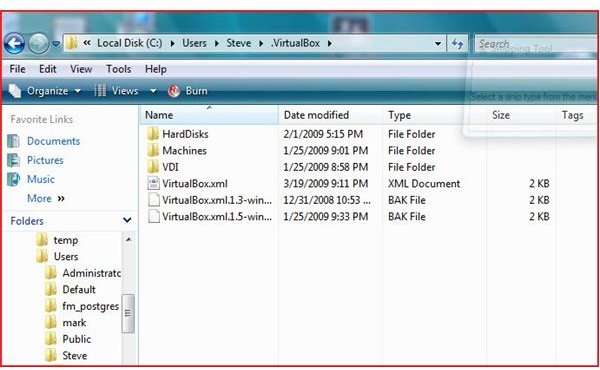
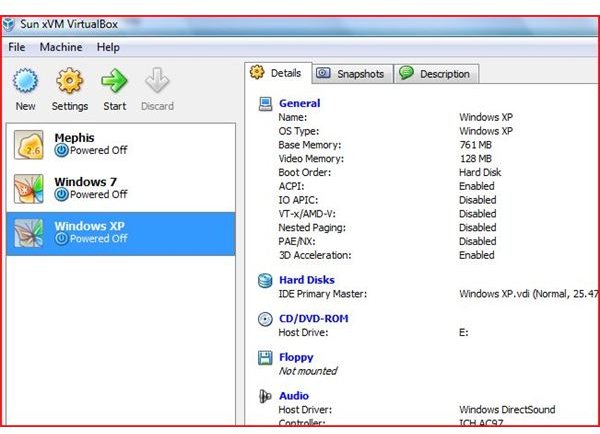
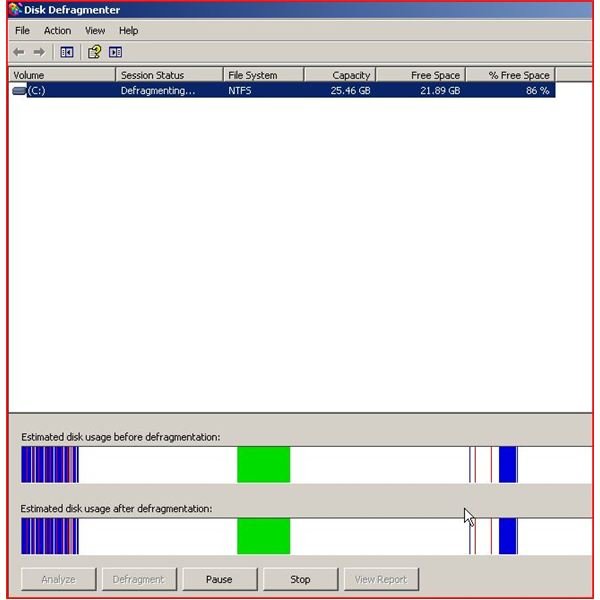
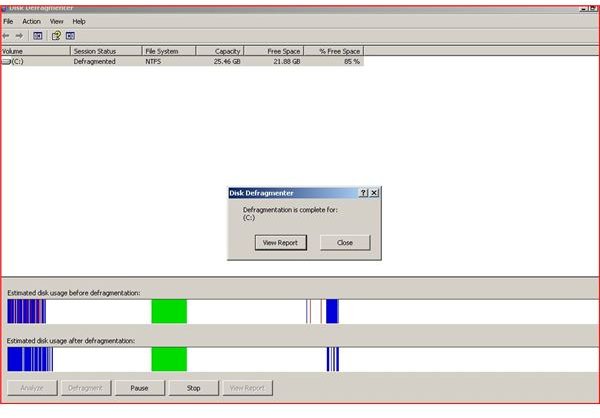
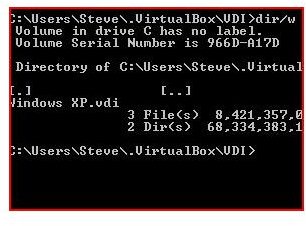
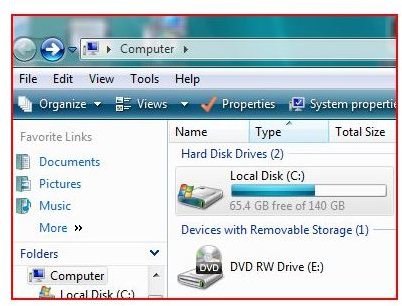
Why should you compact the VDI? Like any other operating system, operating systems in VirtualBox should be defragged and optimized. As seen in the pictures at the end of this article, Windows XP has been Virtualized and rarely used. Because of files from updates and little usage, the operating system has became fragmented. Since these are computers (virtual or not), you must defrag on a regular basis.
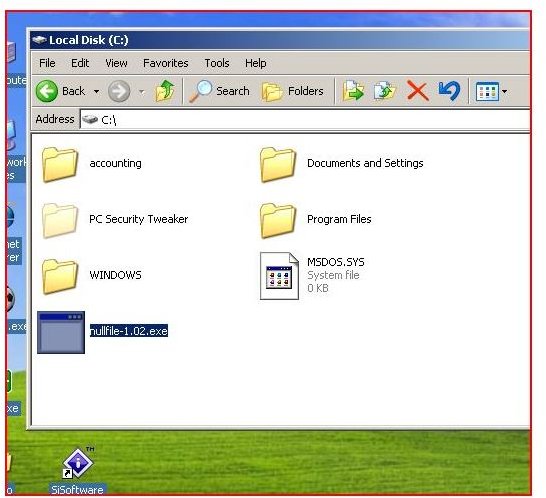
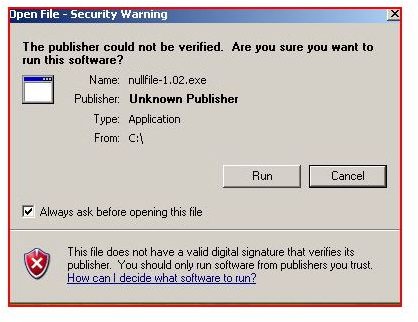
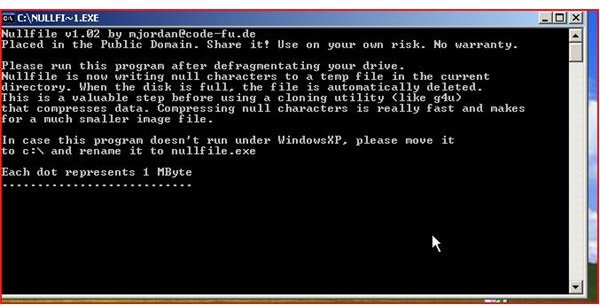
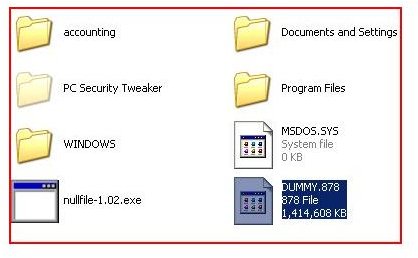
In order to compact the VDI, download the file nullfile.exe. This application writes data to all of the sectors in the selected virtual computer and deletes the file when the process is complete. (This process is known as zeroing empty space.) If the application is interrupted, delete the ‘dummy’ file it creates.
- Start your virtual operating system.
- Download the nullfile.exe program from the web (it can be found by googling it).
- Defrag two to three times to optimize the compacting process.
- Run the nullfile program. (This can take hours - if you interrupt the process, delete the ‘dummy’ file as stated above.)
- After the process is complete, shut down the virtual operating system.
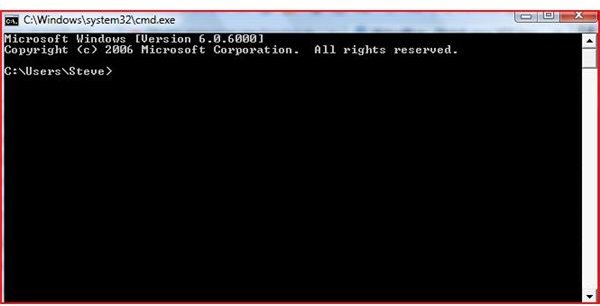
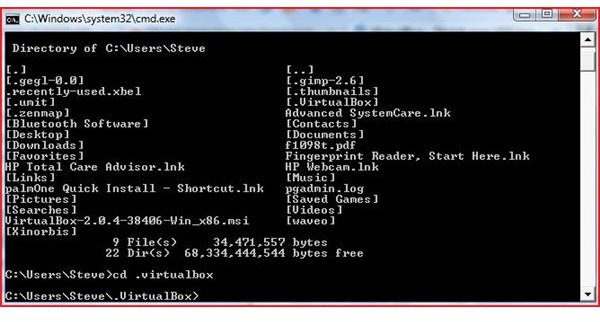
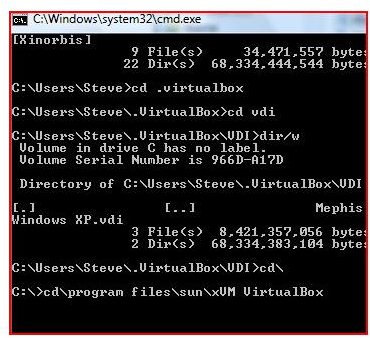
- On the host computer, navigate by command prompt to the virtual box installation.
- Type the following in the command prompt window - vboxmanage modifyvdi c:\your path to the VDI compact.
You will now have a VDI that is 10% to 50% smaller and faster.
Conclusion
Sun Micro’s VirtualBox Version 2.2.2 is the latest version. The Sun team is aware of problems with earlier versions in late 2008 and early 2009. Earlier versions truly support this compacting format and the current version does. Virtual computers are only as fast as their host computers. Remember to defrag the host on a scheduled basis and to add resources (memory and greater CPU capabilities) when possible. VirtualBox’s features truly lead virtualization in the computing industry.
Compressing the VDI