Malware and unwanted websites can be found in some sponsored or search engines advertisements. Some people or organization call this as malvertizements because it’s either malicious or misleading ads. Find out how Sponsored Ad Blocker can prevent you to becoming a victim of such threats.
Overview
Sponsored Ad Blocker is a free ad blocker of popular websites and search engines. The program is freeware and made available by the makers of SUPERAntiSpyware . It will not block pop-ups and spyware but will only block any supported sponsored sites only. Read more if you would like to take advantage of the protection it offers.
System Requirements and Installation (5 out of 5)
Sponsored Ad Blocker supports Windows 98/ME/2000/XP. It can be installed in Vista too. The supported browsers by this program during my review are Internet Explorer, Firefox and Opera. The installation is a quick-process. It will retrieve the ad-blocking rules from their server after installation. A splash screen is shown to display another product – SUPER Ad Blocker but you can turn this off.
A setup wizard will be displayed so you can send your free registration by entering your email address. This is not required to continue using the software. A free diagnostic is also an option during the setup wizard which is again, not required but available only if you want to add items in their database.
The Browser Helper Object (BHO) of Sponsored Ad Blocker will added in Internet Explorer after installation so it’s recommended to close any open browsers before installation.
Features and Performance (4 out of 5)
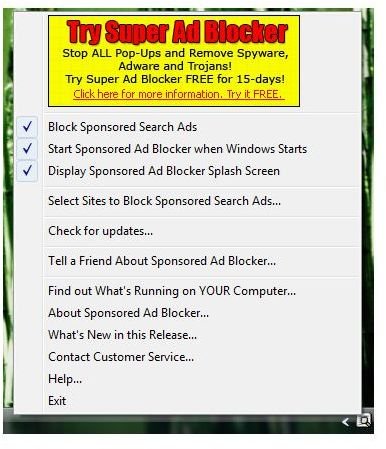
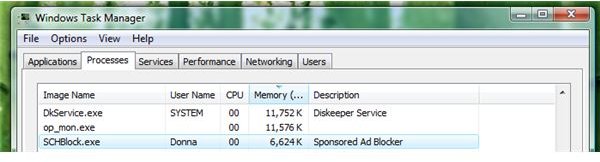
Sponsored Ad Blocker will use 6MB of memory and it will place its program’s icon in Windows notification area. This icon provides handy command in using the program:
- Block sponsored search ads
- Start the program during Windows startup
- Toggle to display the splash screen of the program
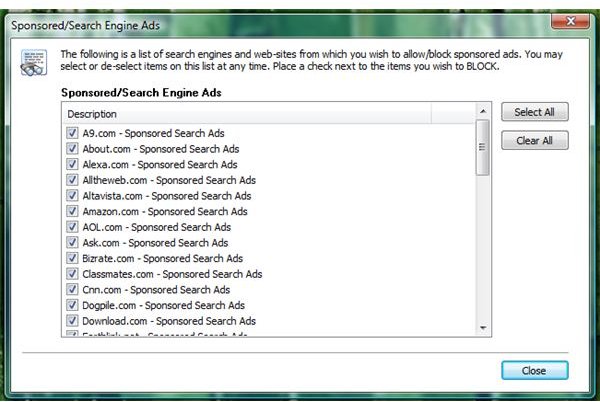
- Select the websites and search engines that Sponsored Ad Blocker will block or display
- Check for product updates
- Double-clicking the program’s icon in the notification turn will turn on/off the protection from sponsored and search engine ads
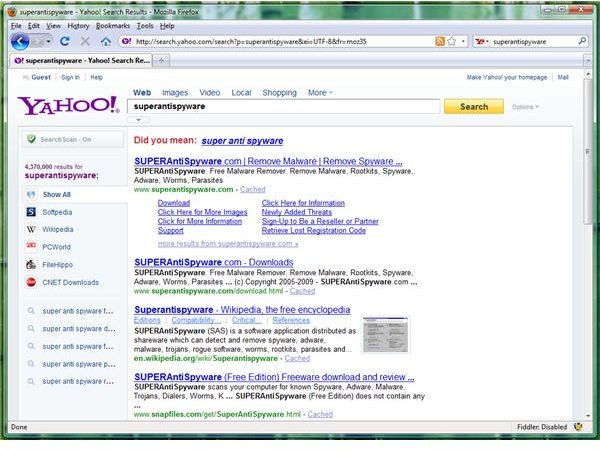
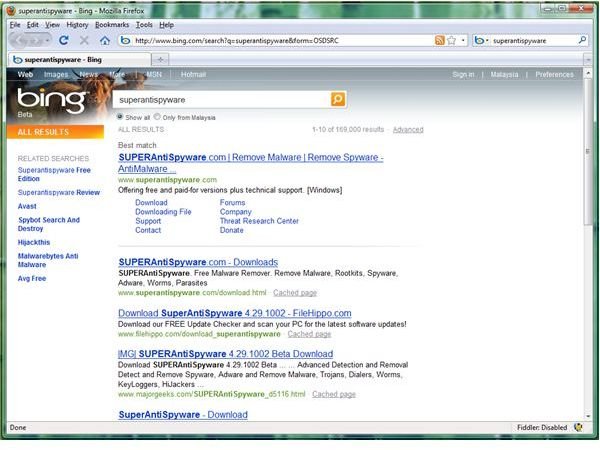
I’ve tested different websites and search engines that the program is supporting and I find most of the sponsored ads are successfully block. The program has issue though when the installed browser is
because the browser will take ages to use. This issue does not occur with IE7. Sponsored Ad Blocker can block sponsored ads from the following .com search engines and websites: A9, About, Alexa, Alltheweb, Altavista, Amazon, AOL, Ask, Bing, Bizrate, Classmates, CNN, Dogpile, Download, Excite, Foxnews, Friendster, Google, Hotbot, iVillage, Iwon, Ixquick, Looksmart, Lycos, Mamma, Mapquest, Metacrawler, MSN, Mywebsearch, Netscape, Nextag, Overture, Pricegrabber, Reference, Shopping, Singingfish, Teoma, USAToday, Weather, Webcrawler, WebMD, Webshots, Wisenut, Yahoo and Zillafind. And it will also block such ads from Earthlink.net. I’m sure the list of sponsored ads in popular sites will grow or when it’s suggested to their support team.
Images
Price to Value (5 out of 5)
Free of Charge. What else I can say?
Conclusion
Sponsored Ad Blocker is quite useful especially to end-users who do not want to use HOSTS file.


