Have you ever wondered why your system keeps crashing, even when you have the best antivirus software running on your system? Read this review to find how you can offer a complete protection for your computer system.
Are you really confident that your best antivirus software actually provides you the complete protection you demand for your system? Have you ever thought, why your system keeps showing different signs of problem? You might be clueless at this stage. Thousands of viruses appear daily and even the best antivirus software is able to stop only half of them. That means, the other half are infecting your commuter system causing slow and steady damage to your information.
What is Returnil Virtual System?
Returnil Virtual System 2010 is a completely new product that uses a combination of antivirus, antimalware and a virtual system to protect your computer from all types of viruses and other unwanted threats.
How it Works?
Returnil uses an advanced virtualization technology whereby it clones your operating system and creates a virtual environment for your PC. Instead of loading the native operating system into memory, a clone is loaded that allows you to run your application in an entirely unassailable and sequestered environment. In this manner, your actual operating system is never affected by viruses, Trojans, malwares and other security threats.
To return to the actual operating system environment, you just need to restart your PC.
Features (4 out of 5)
- Free for Home Users
- Complete protection for viruses, malwares, and other unknown threats.
- Real-Time protection.
- Creates virtual environment to protect your native operating system.
- Leaves no traces of the virtual environment activity.
- Eliminates the need of new software installations and other programs that contain dangerous viruses or other threat.
- Only the virtual system is affected and no harm is caused to the actual operating system.
- Low price edition for just $24.95 only.
- User friendly interface and seamless integration with supported Windows.
- Simple to install and configure.
Installation (5 out of 5)
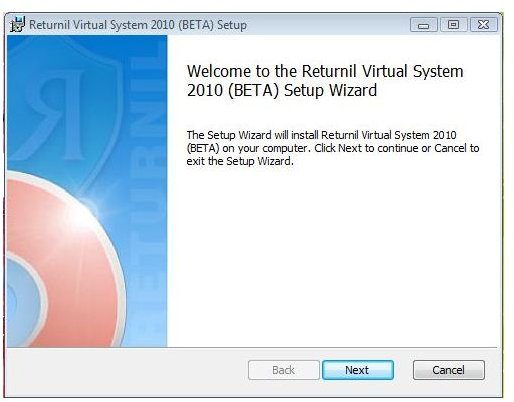
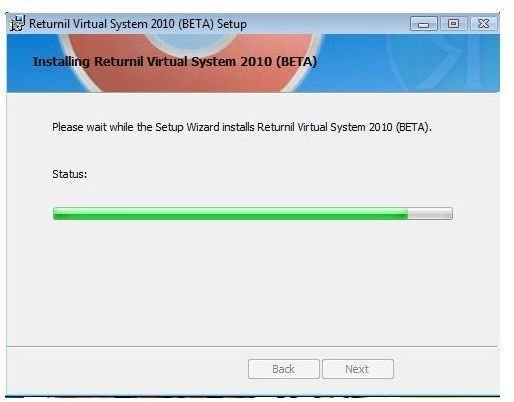
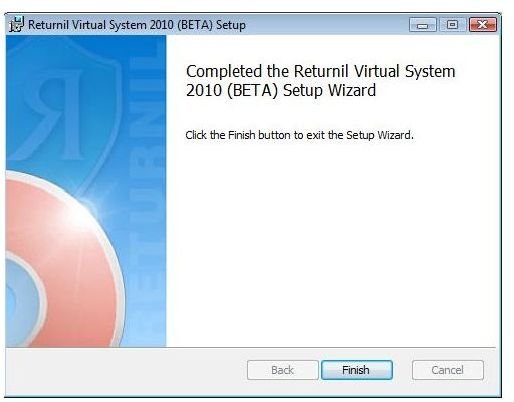
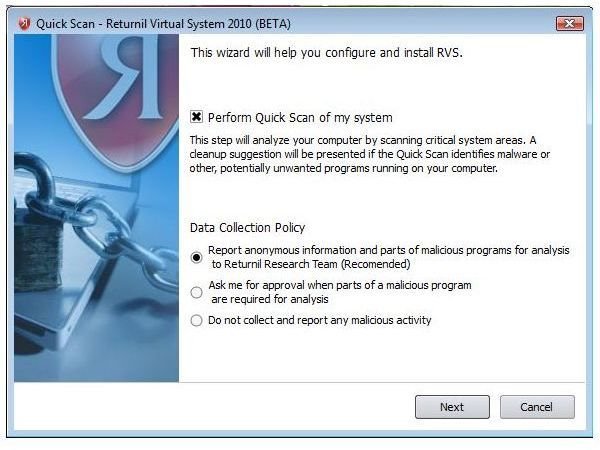
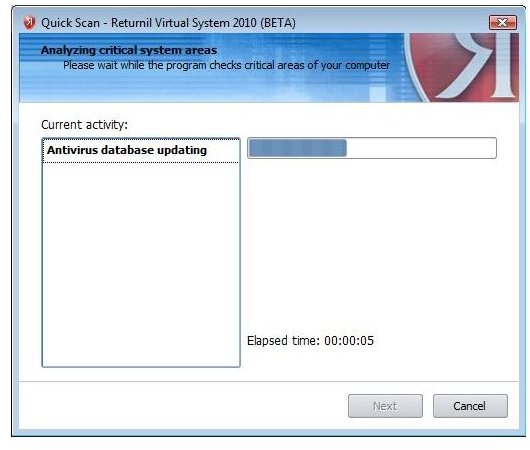
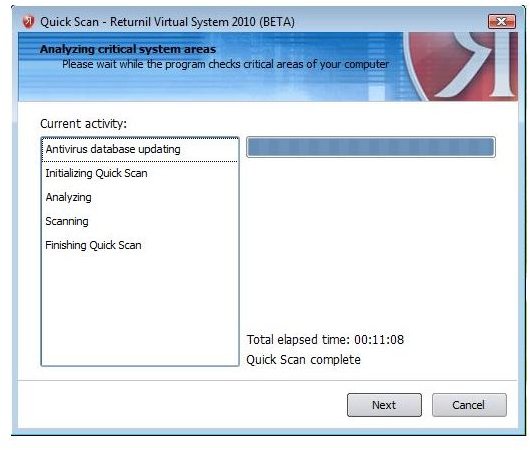
The success of a product not only depends on its features and performance but also on ease of installation. Returnil Virtual System 2010 is very easy to install and configure. Before installation, the software scans your computer system for presence of any threat which is essential for a safe and secure virtual environment. After the scan is complete, you are prompted to restart the system in order for the changes to take effect.
Installation Steps
User Interface (5 out of 5)
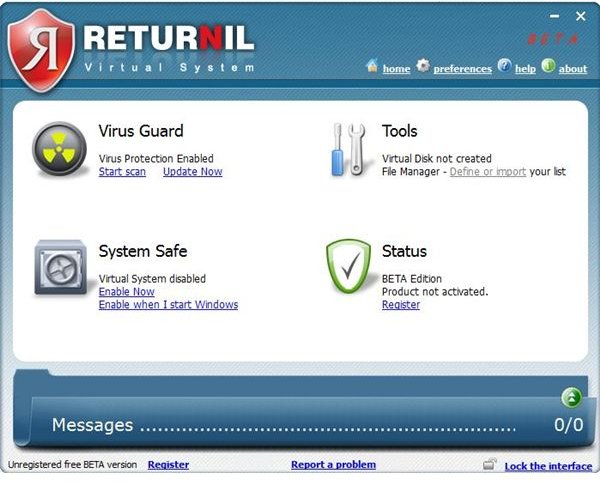
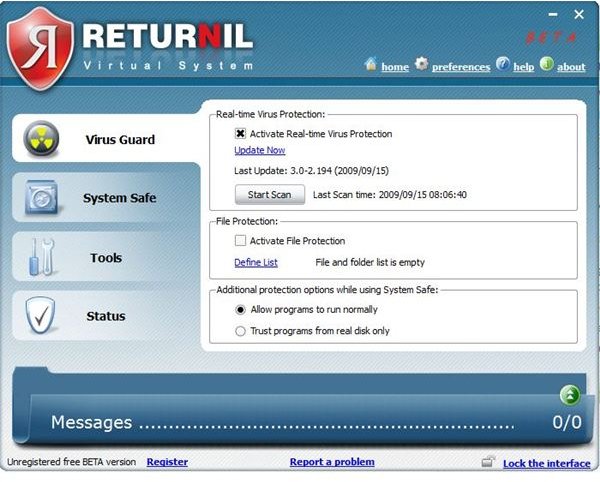
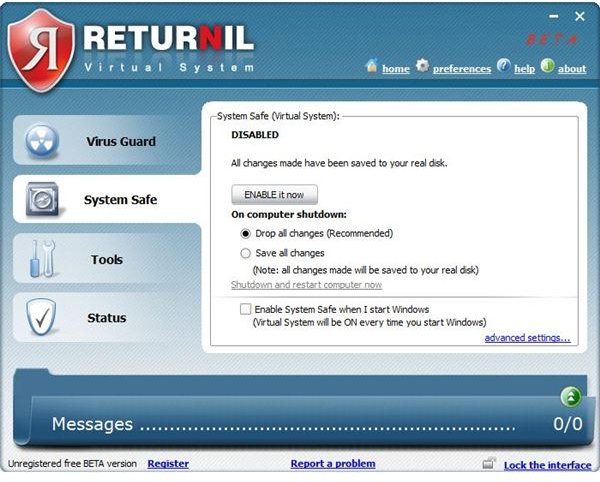
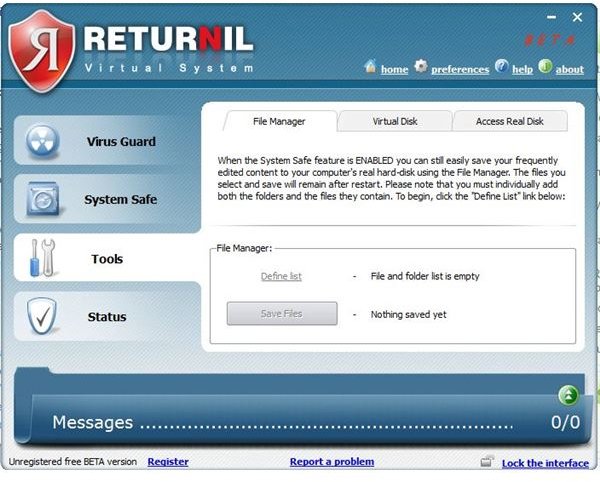
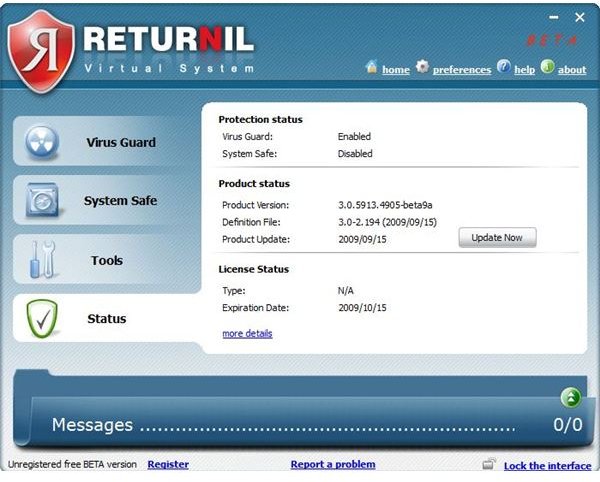
One of the most important aspects of the software is its user interface. How friendly the software is with the user? Returnil’s user interface is very nice and clean with minimal options to perform a task. The startup screen has a clean set of options, Virus Guard, Tools, System Safe and Status. You only need to activate the System Safe option in order to create an image of your system and work in the new virtual environment.
You can also configure Returnil Virtual System to automatically activate itself on every startup. For system safety, default settings are configured to “Not to save the work on virtual system” to ensure that your actual operating system is alwasy safe from viruses and other threats. However, advanced users can disable this option and allow for changes to be made to the real operating system.
User Interface Images
Performance and Effectiveness (5 out of 5)
Returnil Virtual System does effectively what it says. The software is really very effective and for the first time, you will not be able to notice whether you are working on your actual operating system or the virtual environment. I created a virtual disk for some of the important documents and it worked perfect for me. If, at some time, you feel that something wrong has happened while working in the virtual environment you can choose to discard the changes and nothing will be saved on the real disk.
Value for Money / Free for Home Users (5 out of 5)
Returnil Virtual System 2010 Beta version is free for home users to download. However, Business users will have to pay for the new version. You can also get Returnil Virtual system 2008 for a small price of $24.95 only.
To register your Returnil Virtual System 2010 Beta version for free, Go to Status and click Update button. Fill your details, and ask for a free beta version. Within few minutes, your beta version’s license will be extended for 2 years.
Conclusion (5 out of 5)
Returnil Virtual System 2010 is easy to use, light on resources and provides an unprecedented level of security. Highly recommended!


