Among the top free password managers Keepass Password Safe is by far the best free password manager. Here you find all you want to know about Keepass Password Safe as well as alternative password management software including Comodo i-Vault, MyPadlock, Access Manager, PassLocker and Password Dragon.
What is a Password Manager?
A password manager is a piece of software which memorizes your passwords and logins, and stores the information securely in a small encrypted database. All you have to remember is the master password.
Password managers usually not only store Website passwords but also ebanking credentials, application logins, TAN numbers etc. So the question is: Whom are you gonna trust your password and logins without fearing that software is phoning home for example**?**
Keepass Password Safe (5 out of 5)
Keepass Password Safe is second to none. The free password manager is open source, secure and easy to use. On top of that is Keepass a very capable utility which has import/export functions, drag & drop functionality, a random password generator and so much more.
The software comes in four editions which are all free. For instance, the latest portable build (2.07) supports Windows 98 to Vista including 64-bit, Linux, Mac OS X, BSD etc. Yes, of course can you run the Keepass Password Manager from your USB stick: the software is only about 3 MB in size.
Among the vendors of free password managers software Keepass, which exists some years already, has probably the best reputation - in stark contrast to many competitors who are ‘no names’.
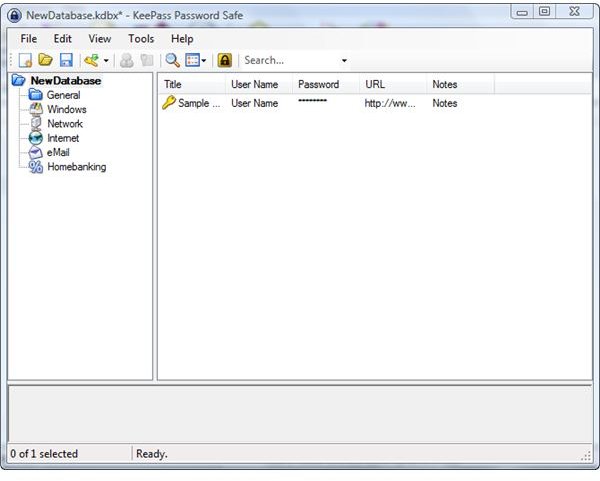
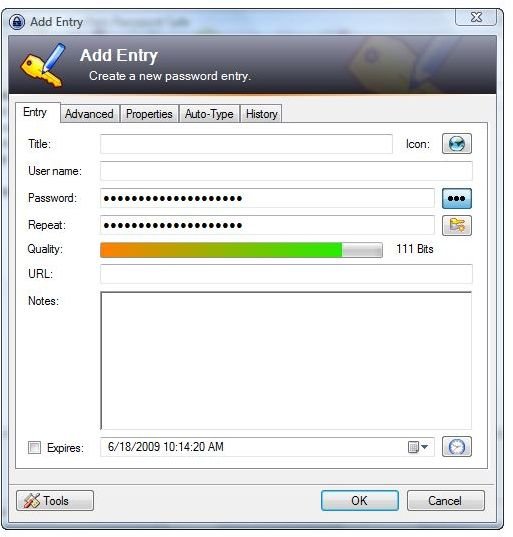
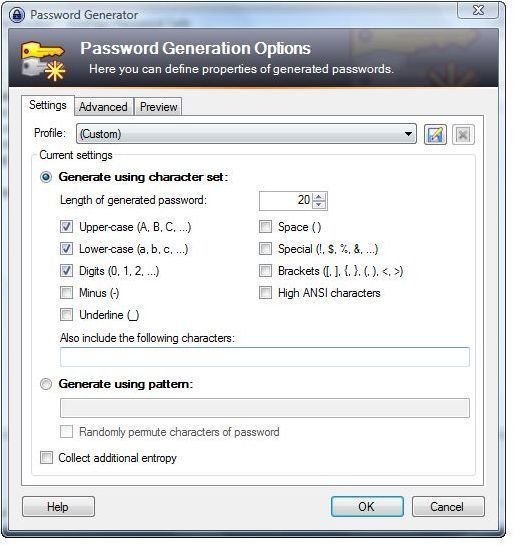
More information about this great piece of software an be found in Bright Hub’s full review of KeePass Password Safe .
MyPadlock (4 out of 5)
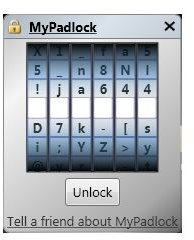
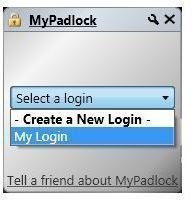
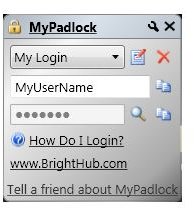
MyPadlock 1.0 is a lightweight easy-to-use password manager mainly for websites. The software runs on Windows Vista, XP as well as on the latest Windows Server editions with Microsoft .NET Framework 3.5 (client subset only) installed. The software hardly uses any space or your disk, and the interface of MyPadlock is nice and makes a fresh impression. If you only have a limited number of Web logins to manage then MyPadlock 1.0 might be right for you.
Access Manager (3 out of 5)
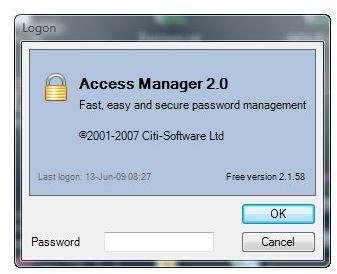
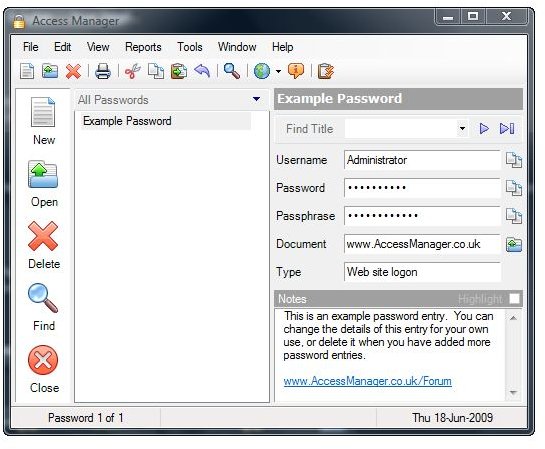
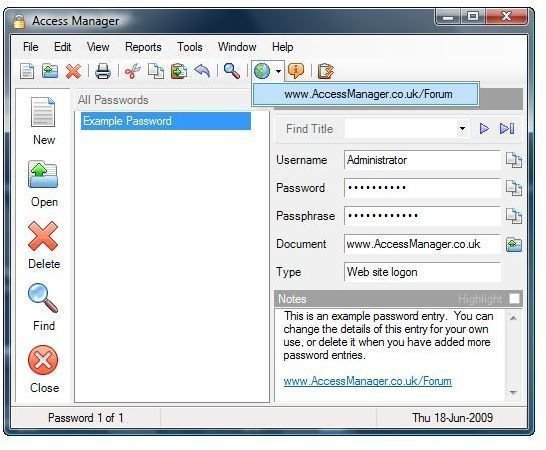
Access Manager 2.0 manages all your passwords and has a drag ’n’ drop’ interface. It operates on all 32-bit versions of Microsoft Windows since Windows 95 with Microsoft .NET Framework version 2.0 installed. The software is free for personal, non-commercial use; yet the free edition does not support an installation on removable media. On the positive side we note that Access Manager includes free support and an excellent help section.
Comodo i-Vault (2 out of 5)
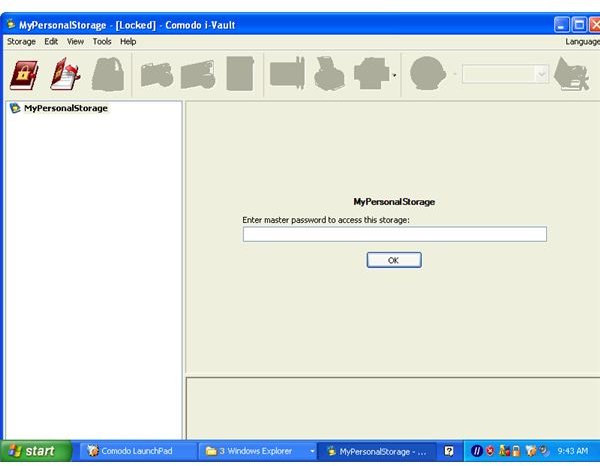
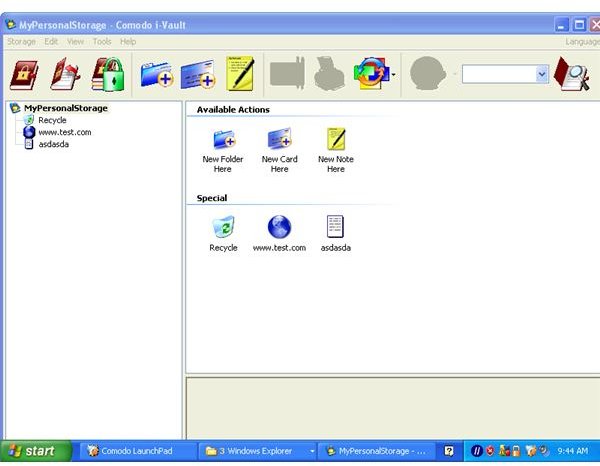
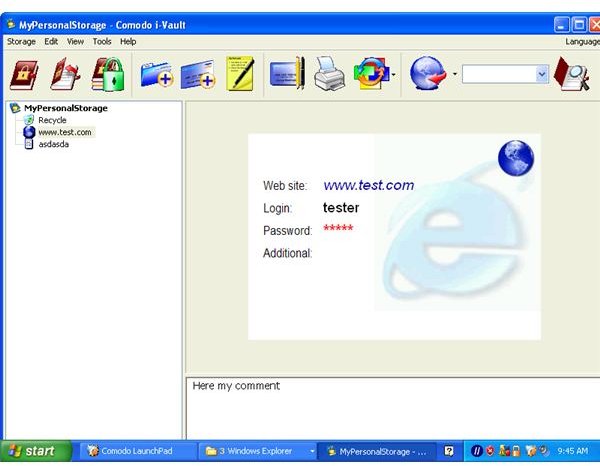
Comodo i-Vault 3.0.0.1 provides secure password management with anti-keylogging features. The software comes from a vendor with an excellent reputation; yet the password manager with a drag & drop’ interface is a bit complicated to set up. System requirements are not available, but I have positively tested the software built in 2005 on Windows XP. The manual, frankly, is useless. On the positive side: Comodo i-Vault 3.0.0.1 lets you make safe notes.
PassLocker (2 out of 5)
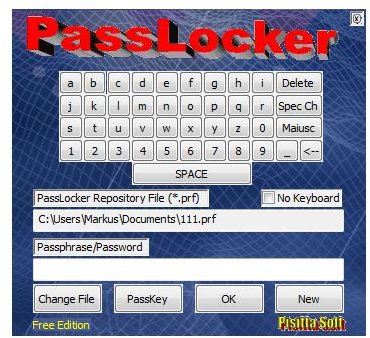
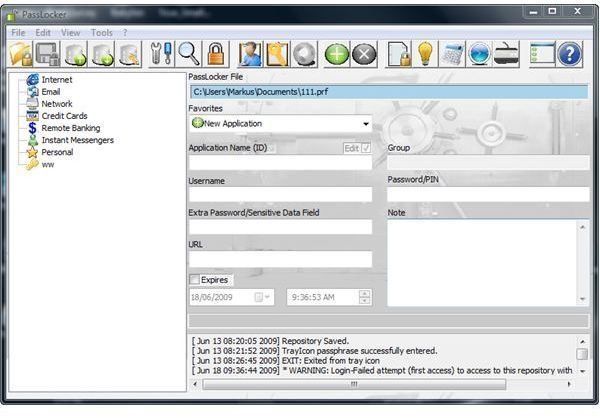
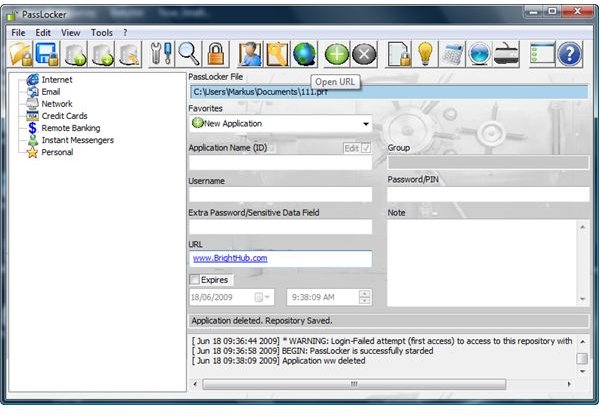
PassLocker 2.2 lets you save and store all your passwords in a nice interface. The manual is very good otherwise, yet no information about system requirements is available: I have been able to test the software on Windows XP and Vista where both installations did not permit me to edit the predefined groups such as Internet for example. This makes it unnecessary difficult to use. The free version does not let you install the password manager onto removable media.
Password Dragon (2 out of 5)
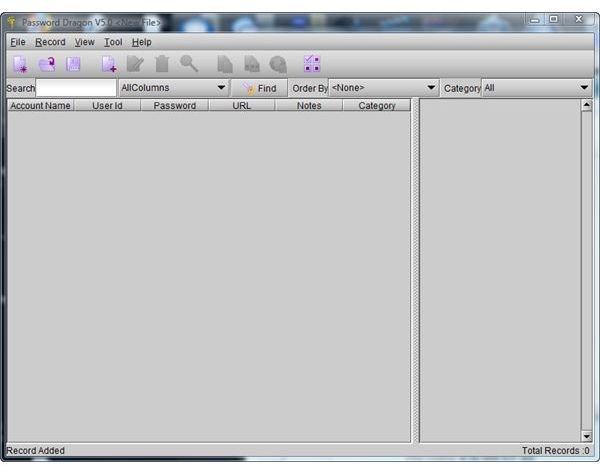
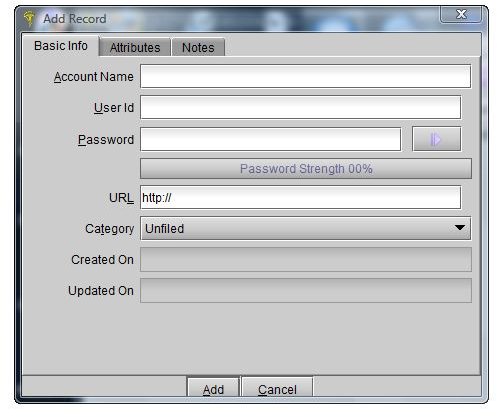
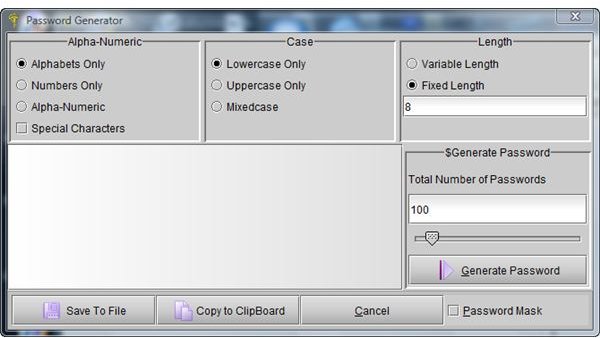
Password Dragon 5 is a Java based feature-rich password manager which runs on Windows, Linux and Mac with Java installed. The software can be launched from removable media including USB Flash drives, but the GUI is a bit standard Java-like. In a way, Password Dragon resembles a student project, but from the many I have seen this one is the only one which makes it to the Best Free Password Managers list not least because of it excellent help section.
The Bottom Line
Please note that if you forget the master password there is nothing which can be done to unlock a password manager, and chances are high that you won’t be able to retrieve all password by means of forget password mails and the like. Thus, use a master password which you can easily remember, but make sure it is secure at the same time.
I have checked out roughly 50 password managers; most of which were of poor quality or outdated. Even among the best free password managers and the top free password manager Keepass Password Safe is a huge gap in quality and functionality. I use Keepass myself and can fully recommend as an excellent piece of software.
References
- Screenshots by the writer
- Author’s own opinion


