Detect and Remove Trojans using Trojan Remover
Product Overview
Trojan Remover by Simply Super Software is a program that detects and removes Trojans. Trojan Remover offers Fast Scan, Full System Scan and Active Malware Scan options. It is compatible to Windows Vista/XP/2000/ME/98 but cannot be installed on 64-bit of Windows. It can be installed also on Windows 7 systems.
Installation and Options (5 out of 5)
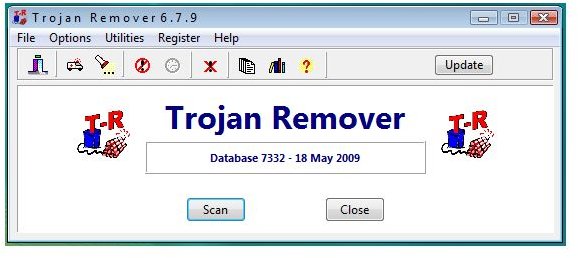
Trojan Remover was installed easily on Vista system without the need to restart. The program will not automatically open after the installation but will offer to update the definitions or the program.
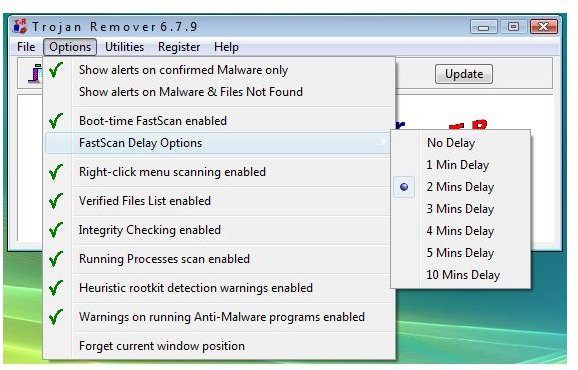
One of the nice options of Trojan Remover is the Fast Scan (also known as boot-time scanning) which is enabled by default. Fast Scan will scan the system after 2 minutes when Windows have loaded but you can configure Fast Scan to not to delay it. Quite useful if you prefer Trojan Remover to detect a malware or Trojan before the processes or start-up will even load.
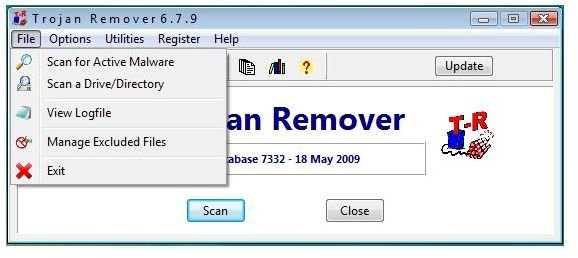
A single-file scan is also available in addition to Active Malware Scan and Full Scan. You can also use Trojan Remover to exclude any folder or drive. This is useful only if you are quite sure that the items to exclude are clean. Trojan Remover can also create a database for “Verified Files List” which means during the normal system scan, the program will maintain database by verifying which files requires a thorough scanning. This will reduce the scanning time because Trojan Remover will not scan items that were not modified during the last normal scanning. Disabling Verified Files List option is good if you want Trojan Remover to scan.
Another available option in Trojan Remover is to check the program’s integrity so no malware or other applications have altered the scanner. Heuristic rootkit detection warning and processes scan are other available options in the program.
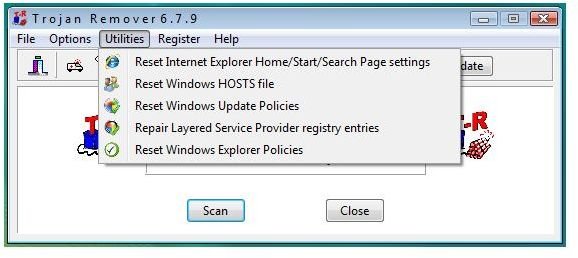
Screenshots of Trojan Remover’s Program Menu
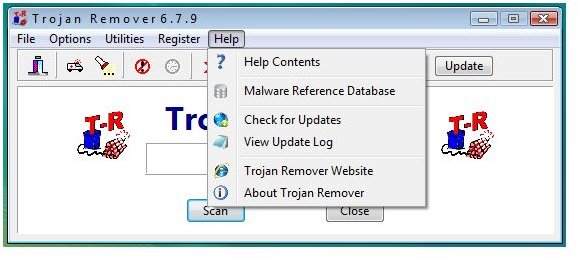
Performance and Other features (5 out of 5)
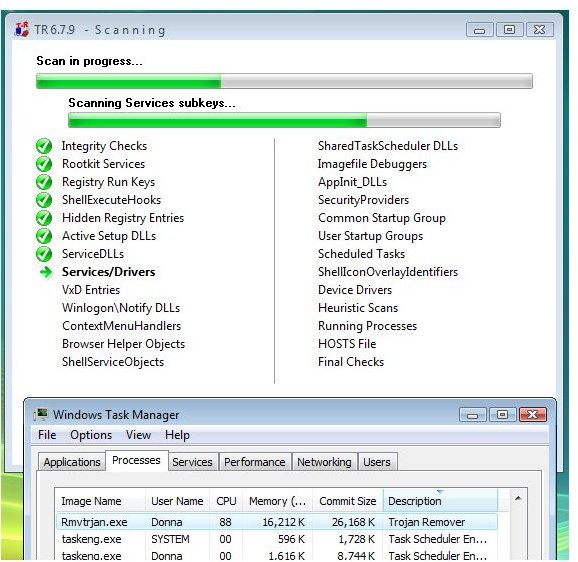
The program did not affect Vista test system’s performance during a scan. The virtual memory size in use during scan or while using program is acceptable.
Trojan Remover is offering utilities to reset IE Search/Home pages, Windows Hosts file, Windows Update and Windows Explorer policies and also, to repair LSP registry entries. A log file of Trojan Remover is saved in text file format allowing you to review the detailed scan results.
Malware Detection and Removal (1 out of 5)
Trojan Remover’s detection to known malware or Trojans is poor: I let it scan some samples but it only
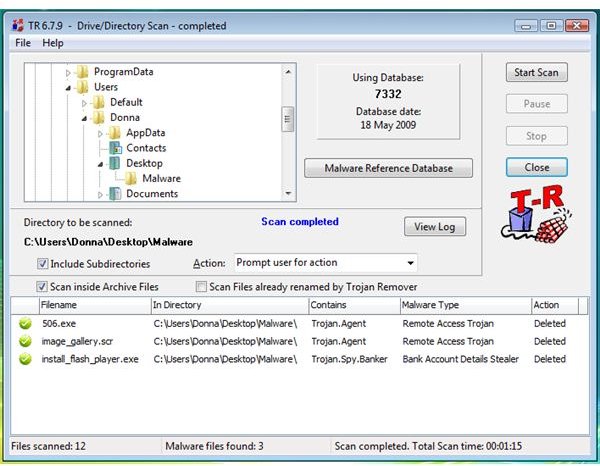
out of 12 Trojans.
On infected test system which a Trojan/Malware display the
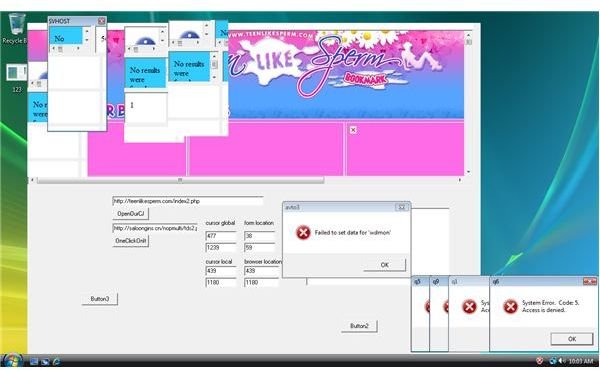
, Trojan Remover
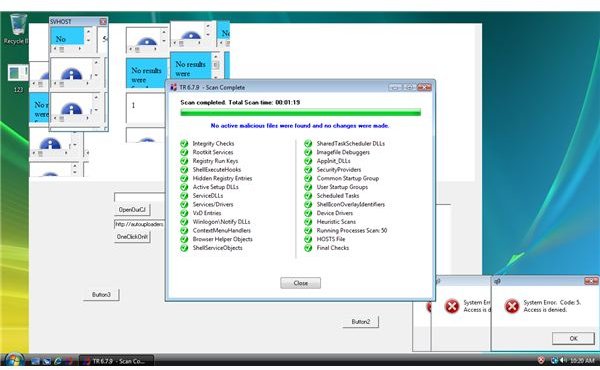
the active malware. Running the Fast Scan of Trojan Remover also did not find infection.
Updating and Compatibility (5 out of 5)
The program includes built-in updater offering fast connection to check and download needed updates. Trojan Remover also checks for other anti-malware that is currently running and provide advice to temporary disable the on-access protection by another tool to prevent conflicts or interference during scanning and removal process.
Price to Value (2 out of 5)
Trojan Remover cost $24 for 4 PCs, which is somewhat expensive considering that it is simply an on-demand scanner and does not offer real-time protection.
The Bottom Line
The fact that Trojan Remover failed to detect a high percentage of threats during testing makes the product impossible to recommend. The bottom line: there are much better products out there, so shop around.
More Reviews!
Be sure to check out or reviews of other leading security products including a-squared, Spybot, Malwarebytes AntiMalware and Ad-Aware.
