Spyware Terminator Review: A Completely Free Spyware Remover for Windows
Introduction
Spyware is the kind of malware that resides surreptitiously on a computer. It collects information about a user and their browsing habits, sometimes even login information and passwords. The information is then sent to an unauthorized viewer, who then proceeds to misuse it for their own ends.
Spyware Terminator does not focus exclusively on Spyware, it also detects other malware like Trojans and viruses. While it is not a complete antivirus application by itself, it certainly makes for a good companion to one.
Test Machine
• Compaq Presario CQ50 Notebook PC
• AMD Athlon Dual-Core QL 1.90 GHz
• 2.00 GB RAM
• 160 GB Hard Disk
• Microsoft Vista Home Basic
• Google Chrome/Mozilla Firefox Browsers
Installation (5 out of 5)
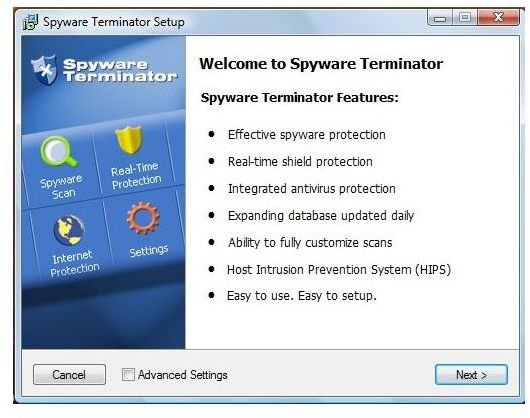
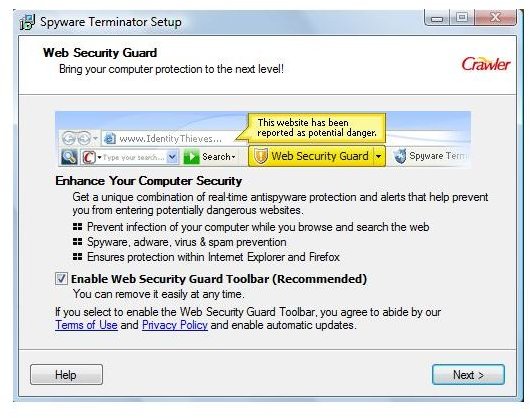
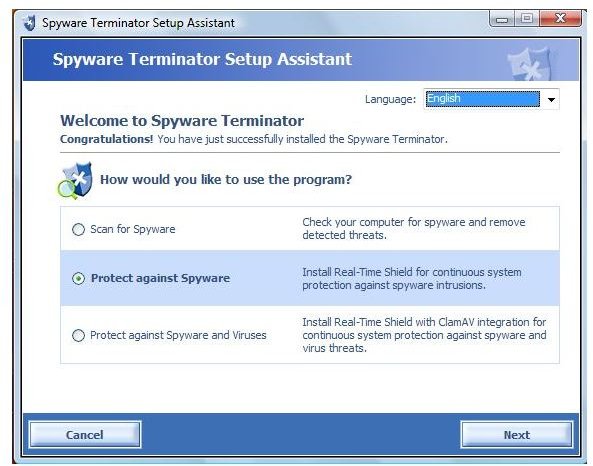
Like many other applications, Spyware Terminator uses a small setup file to download its main program files. Once those files have been downloaded, installation is speedy and straightforward, taking only about 2 - 3 minutes.
First impressions (5 out of 5)
Once the application starts up, it first displays a system summary of all the various utilities and what their statuses happen to be.
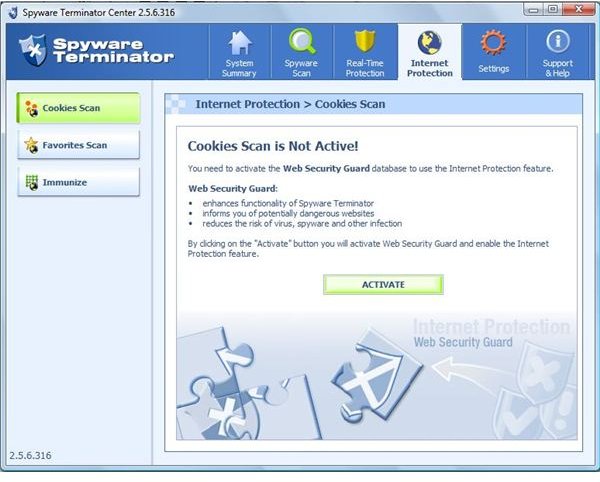
There are two tabs in addition to the Spyware Scan tab: Real-time Protection and Internet Protection. These two modules need to be installed manually however, in that the user needs to click on the link when the program starts up. There was no option to download these particular modules during the general installation. Also, under the Settings tab, there is a button for the integration of Clam Antivirus, a free antivirus solution that uses the same scanning engine as ClamWin.
There are a number of detailed settings in each of the tabs, allowing the user great control over the entire application.
Features of Spyware Scan (5 out of 5)
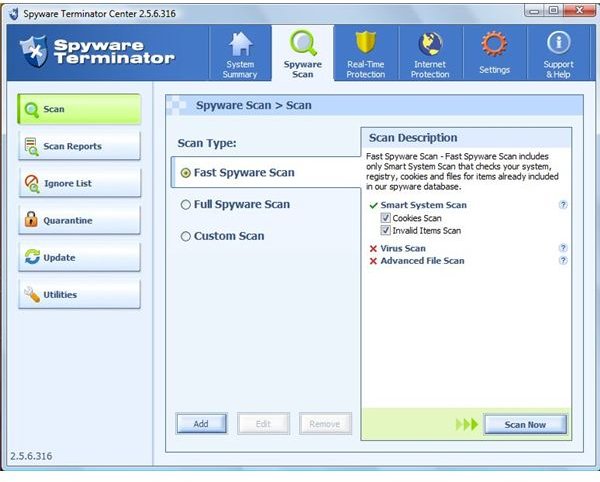
The main feature of Spyware Terminator is of course the Spyware Scan. It has a list of functions at the side that rival those of any paid antimalware application.
-
Scan function – The base of Spyware Terminator is the scan mode. Initially there are three options available to the user, depending on the kind of scan they want. It is possible for the user to create a custom scan as well. In the pane that displays the options on the right side, there is a cross next to the Virus Scan, because Clam Antivirus has not been installed. It can be integrated at a later stage.
-
Scan Reports - Each scan that is conducted stores its results and recommended actions in the form of a scan report. All the reports are filed away under the Scan Reports tab for later perusal.
-
Ignore List – A user created list of files and applications that may show up as infected, but the user knows to be benign. A good tool since the scan marked a number of innocuous files as Trojans.
-
Quarantine – An area where files with suspected infection can be run to test out the possible consequences.
- Utilities – In case the user decides to purge their system and later regrets it, the utilities function contains a Restore computer feature. This feature resets the computer back to a point before the purge was carried out. A new checkpoint is created every time a scan takes place.
Real-Time Protection (5 out of 5)
The latest version of Spyware Terminator is the Real-Time Protection module. By default, it is not activated but it is an excellent tool which is highly recommended.
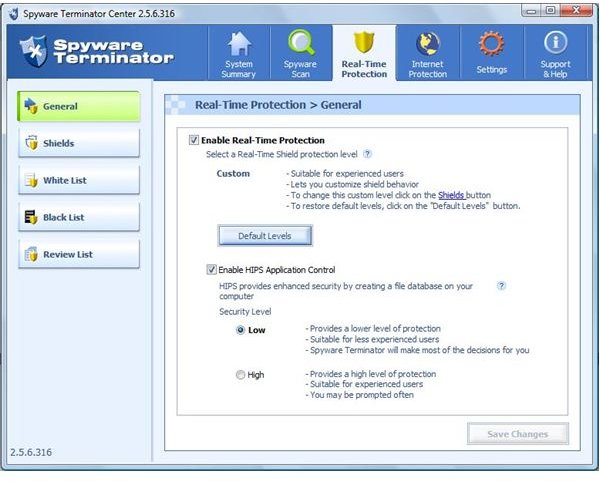
There are two settings: Basic, for novice users; and Advanced for the more security-savvy user. There is also the option to create custom settings; however this is also an option that is best used by advanced users.
Real-Time Protection has a second option under the General menu where the user can enable or disable HIPS (Host Intrusion Prevention System) Application Control. When this option is enabled, Spyware Terminator will create a list of executable files of the user’s computer. After the list is created, any time an executable attempts to run, it is checked against the list, and verified. Supposing the file is not on the list, Spyware will generate a warning accordingly asking for user input. This feature allows the user a clear view of unauthorized and potentially harmful executables.
There are a number of Shields in this module, which monitor certain sections of the system, like Start up files or File Extensions. These can be configured by the user according to their particular requirements, and is a great feature for fine-grained control over the system.
Conclusion
When I ran Spyware Terminator, it did return a number of false-positives - some of the applications marked as malware were actually legitimate program files (games and shortcuts). While the program does enable you to mark such files so that they will not be mis-detected in subseqent scans, inexperienced users may not be able to tell the good from the bad.
Despite the small number of false-positives, Spyware Terminator is nonetheless an excellent product that is easy to use, light on resources and that offers excellent protection. Highly recommended - especially for more experienced users.
More Reviews!
Would you like to read more reviews? Look around Bright Hub and you’ll find detailed reviews of numerous other anti-virus solutions including a-squared, Comodo Internet Security, Avast! Free, Norton Internet Security, Kaspersky Internet Security, ESET Smart Security, McAfee Total Protection, Blink Professional and ZoneAlarm Internet Security Suite.
