Which is the Best Real-time Protection: MBAM vs CounterSpy
Introduction
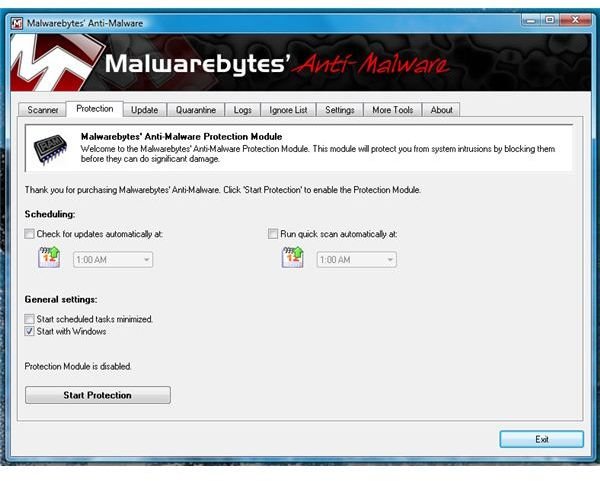
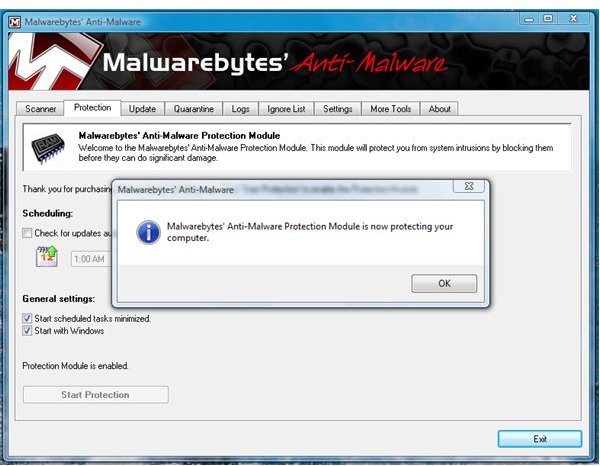
Malwarebytes Anti-Malware (MBAM) is a free malware scanner with malware removal and it’s quite popular in many malware removal or HijackThis help forums. The paid edition of MBAM offers real-time protection against malware and malicious IP address. CounterSpy (CS) is offering real-time protection against malware. Let’s find out how the two programs will install and perform on a Vista system.
Installation and System Requirements: Winner - Both
Both programs will run on Windows 7/Vista/XP. The installation of CS and MBAM is a quick process. Both installer do not require a reboot to start protecting your machine against malware. The installer of CS is 11.7MB while MBAM is 3.85MB only. After installation, CS will use 16.1MB hard-disk space while MBAM will only use 3.98MB. Both programs will offer the option to update the definitions after installation.
Features, Options and Updates: Winner – CounterSpy (Feature & Options)/MBAM (Updates)
I find CounterSpy to have useful feature and option than MBAM:
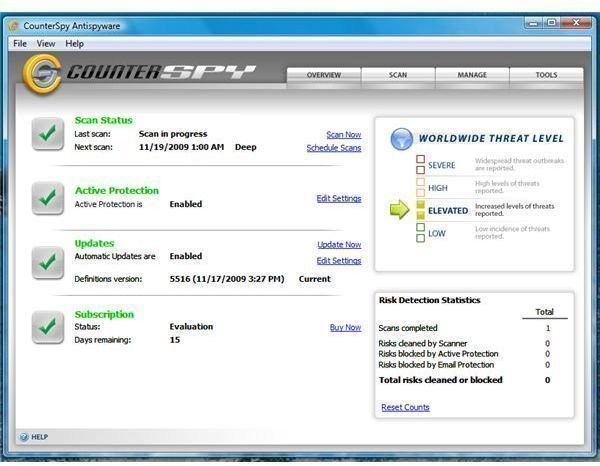
- CounterSpy has quick overview of the program (if it’s up-to-date, if a scan has been done, world-wide threat level notice and quick detection statistics).
- More scan options is what CounterSpy has: Whether you will choose to run a quick, deep or custom scan. CounterSpy let you choose to scan for more file extensions, look for rootkit before a scan. MBAM will also look for rootkit but it’s nice to be able to customize the scanner.
- Allow/Block Manager: CounterSpy let you add (browse to add) any items you want it to allow. MBAM do not have this option but it has “Ignore List” but you cannot manually add items into unless MBAM detected it and you want it ignored.
- Update and Scan Scheduler: CounterSpy will allow you to create and edit single or multiple scan or update schedule. MBAM only allow modifying the time when the program will run a scan or update.
- UI access: I noticed that you can continue access the UI of CounterSpy during a scan. This is neat if you plan to take a look on any areas of the program while it is running a scan. MBAM will not let you touch its UI while the scan is running.
- Extra tools: MBAM includes FileAssassin while CounterSpy has PC Explorer, Privacy Tools [History Cleaner and File Eraser (secure deletion of files)] and Diagnostic Tools to log.
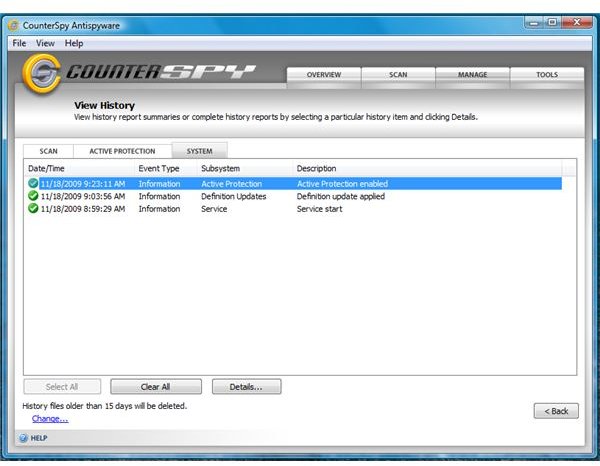
- Logs: CounterSpy history log viewer is very neat. It will display the real-time protection’s activity, program and scan logs. MBAM will only log the scan.
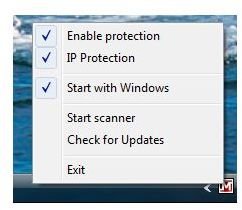
Both programs have Quarantine Manager, Built-in Updater and context menu and custom scan options. The frequency of detection updates by MBAM is often (many times a day!) than CounterSpy but both is releasing their updated detections on daily basis to keep us protected from new and variants of any malware they can detect. I like though the IP Blocking feature in MBAM but the option to manage what it will block or allow (in case some IP in use by bad guys is shared with good guys which is known as “shared hosting”, end-users will be able to manage which to allow without disabling the IP Protection) and the acitivity log of blocked IPs are not currently available.
Images
This post is part of the series: Malwarebytes’ Anti-Malware vs. CounterSpy
Are you looking for real-time protection by anti-spyware or anti-malware to complement your anti-virus program? I put to test CounterSpy and Malwarebytes Anti-Malware’s real-time protection so read this article to find out.
