Chances are you have used iPhoto since it is included on many Macs. I like iPhoto but have found another program that I have been using more because of the additional features. Read on to learn about ImageWell.
ImageWell Review (5 out of 5)
If you have not used ImageWell before, it is a fast and small image editor but also has a lot of useful features. I actually use this program a lot because it is fast and small, so that is a huge advantage.
Let’s look at the pros and cons:
Pros:
• Small
• Fast
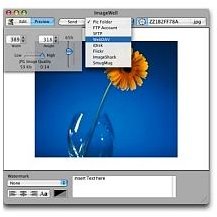
• Ability to set up folders and instantly send your image to that folder. I especially like this feature.
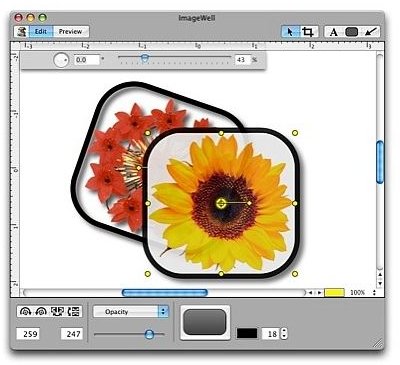
• Ability to resize and crop
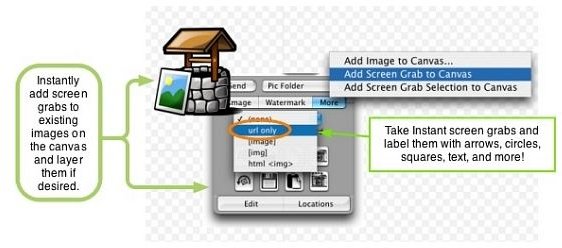
• Grab screen option. This is really a nice feature to have when you only need a portion of an image copied. There is an option to grab full screen or section
• Drag and drop images directly into ImageWell
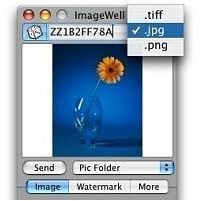
• Save in jpg, png, and tiff
• 15 different languages supported
• Works on Snow Leopard
Cons:
• Since there are so many features, there is a slight learning curve but well worth the effort
• Not free – the cost is $19.95 as of November 2009, but very worth the price
As you can see, there are many more benefits to the program than there are negatives. It is a good solid photo editing program that is a must try. It can be downloaded from: https://xtralean.com/IWOverview.html
ImageWell

iPhoto Review (5 out of 5)
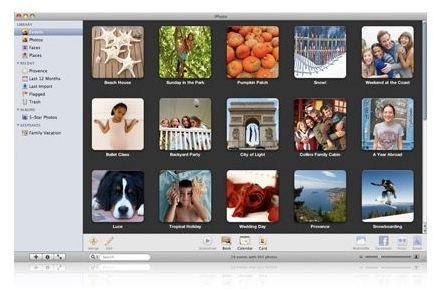
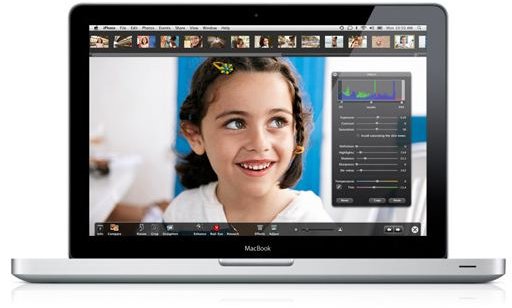
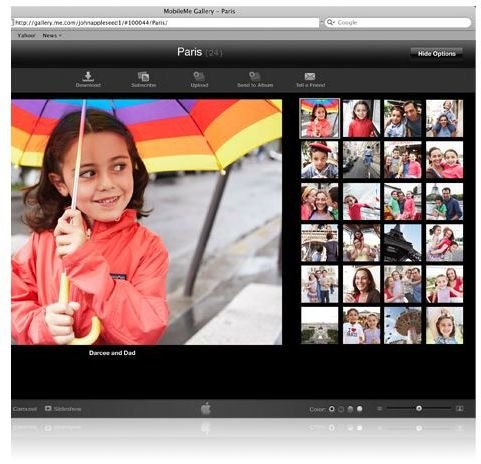
iPhoto is also an excellent program, after all it is an Apple product so you know it is solid. It has many useful features and options that are more advanced. iPhoto is part of the iLife suite. Some Mac’s come with a full functioning copy of iPhoto. I do use iPhoto and view all my photos there.
So let’s look at the pros and cons of iPhoto:
Pros:
• Advanced features for the more serious photographer
• Option to enhance the photos
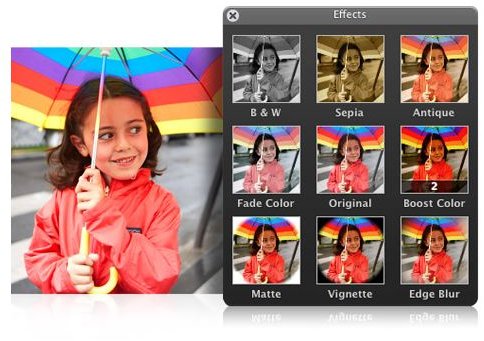
• Reduce color or make black and whites
• Borders include to make very stunning presentations of your photos
• Ability to make even bad photos look pretty good
• Great red eye touch up – this works very well, I used it and there was no way to tell there was ever a red eye problem on the photo I edited
• Lighting ability
• Cropping
• Rotating
Cons:
• Part of a suite for the most part
• Not free – iLife runs about $79 as of November 2009
Obviously, iPhoto has great features and I do use it for specific photos. For instance, I needed to edit a professional photo by making it black and white and then placing a border around it. iPhoto handled this like a champ. For quick editing, iPhoto isn’t the most useful, but if you have serious editing, this is the program to have.
iPhoto can be downloaded and purchased from here: https://www.apple.com/ilife/iphoto/
iPhoto
Final Thoughts
So there, you have it. ImageWell next to iPhoto and there really is not a comparison. Both products target different features and both do an excellent job. I use both but I use ImageWell more because I love the grab screen feature and the option to send the photo to specified folders. For more serious editing, I use iPhoto; I’m not sure how I could live without either product.


