Gnome Office: An Overview and Review : Abiword
Introduction & AbiWord
I am not sure if the Gnome Office is a complete Office suite or a collection of Office programs, but my opinion is to consider it the latter. The collection consists of programs which use Gnome libraries (that’s why we called it “Gnome Office”) but since they are a collection rather than a “suite”, the integration between the programs can be called “loose”. For the curious, the integration is achieved through the Bonobo technology.
Gnome Office’s main programs are as follows:
- Word processing: AbiWord
- Spreadsheets: GNumeric
- Database: Glom
- Evolution: E-mail and groupware
Let’s examine each application one by one:
<em><strong>AbiWord</strong></em>
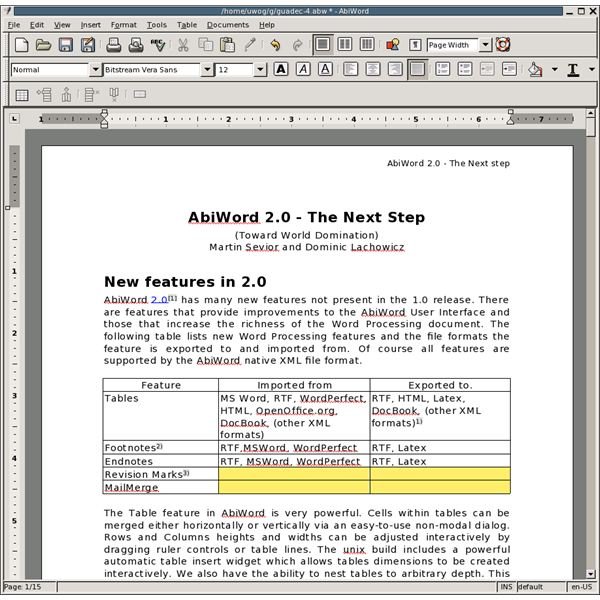
If you have used any word processing on any computer before, then possibly you will not face any difficulties working with AbiWord. The interface is pre-Office 2007, which gets you going in no time. All basic formatting -as you would expect- is right in front of you.
One of the main features of the program, which is emphasized by the developers, is being cross platform, like OpenOffice.org. This means you can install it on your Windows, Mac, BSD computers and continue working with the same environment. The second is, it has support for documents created with OOo, Microsoft Word, WordPerfect and many others.
Page layout editing is the same as other word processors. It is easy to work with headings, footnotes, endnotes, tables, bullets, lists, table of contents etc.. The editing is simple, just click-select-format.
A plus goes to AbiWord for having Mail Merge with the default installation. The Mail Merge is powerful because it is not strongly tied to a certain address book format to work. You can select databases or comma separated/tabbed text files, depending on what you have at hand.
Finally, AbiWord offers a working environment for the users who are comfortable with working from the command line. You can convert file formats, print documents and make a lot of things with the commands. A very nice time-saving feature.
AbiWord achieved what many people thought too hard and it has a long way to go. Can you work with AbiWord in a production environment? Yes, you can.
Gnumeric & Glom
<em><strong>Gnumeric</strong></em>
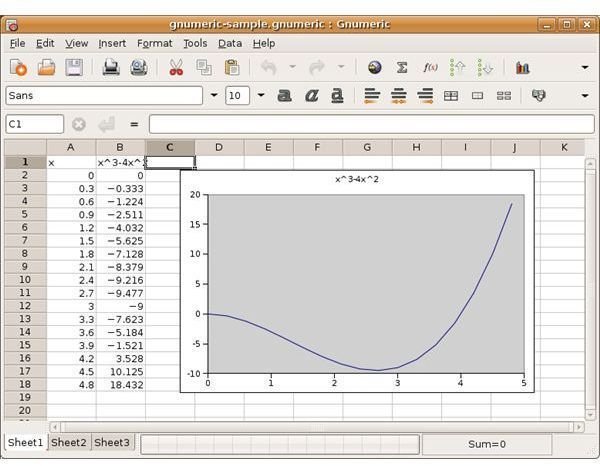
GNumeric is not a spreadsheet program that you can safely ignore. It has many features that surpass the biggest rival in the industry, Microsoft Excel. Just to name a few, it has all the functions that Excel has plus 154 more, support for Black-Scholes formulas for derivatives, Monte Carlo simulations, 3-D dependencies. The functions that you have in Excel like Goal Seek, working with multiple sheets, autofilter, charts, cell formatting, and range naming are all present in GNumeric.
GNumeric also has support for many formats; the most popular ones being all Microsoft Excel files except Excel 2007, XML, Applixware, Lotus, OpenOffice.org and Lotus. It is also remarkable that GNumeric can output in LaTeX code. The format that the program uses is XML.
Additionally, we have batch processing options for file conversion. You do not need to open each file and save as in a different format.
The program is lightweight and works fast. You can work with GNumeric as your default spreadsheet program, but the downside is its features are not easily expandable. You have to install them via your package manager, which will also install additional dependencies.
<em><strong>Glom</strong></em>
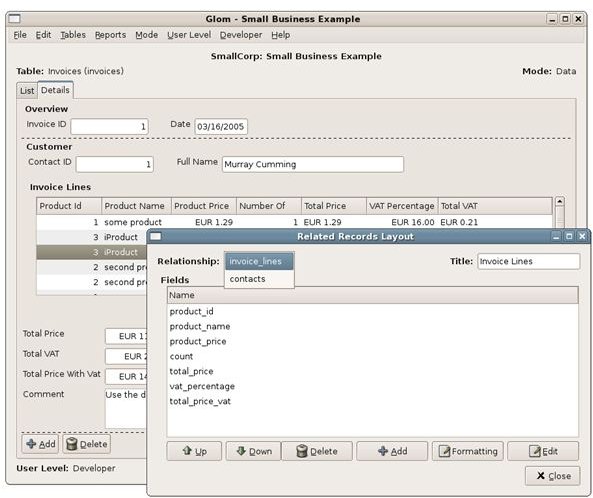
Glom is the database application of Gnome Office. The program can be considered more of a database design. It does not have the features that OpenOffice.org Base or KDE Kexi, like having its own format for databases. This is a two-sided issue, Glom uses the most powerful database in the world, PostGresql, which is incredibly good; on the other hand it can not work on databases it did not create.
PostGresql, in my opinion, is not a simple toy that you can go and play with. It rather requires a good working knowledge of databases. On the other hand, if you know what you are doing, your database is virtually unlimited; you can create any database of any size that serves your needs.
Speaking about the back-end issues of PostGresql, a subset of its basic features are presented to the user with a graphical user interface. You can create relationships between tables, create index, search, and report inside Glom without knowing any of the PostGresql commands. However if you want to go one step further for calculated fields, then you might need some coding with Python.
Evolution
Some people say Evolution is the best and most comprehensive program in Linux for personal productivity. Evolution offers e-mail, calendar, address book and task management under its hood.
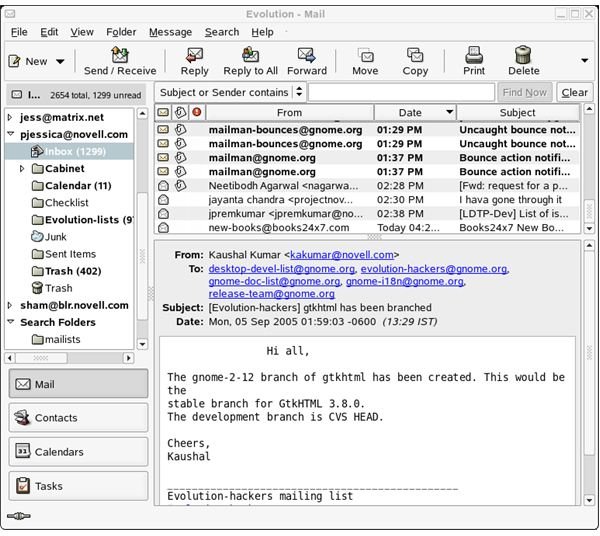
Let’s start with e-mail. Evolution has many features that many programs have yet to offer. The junk mail integration arrives with the default installation and it’s very intelligent. It begins to understand spam mail with the first piece it gets and then learns day by day with your e-mail managing habits. In addition, Evolution can work with external junk mail scanners installed on your system. Marking a message as junk is as simple as clicking a button. In addition to junk filters, it has search folders, where you can simply select one or more search criteria and make a folder. The folder will be dynamic and any e-mails that match the criteria will be displayed in the search folder. The “rules” in Outlook jargon are filters in Evolution. With e-mails, the program has GPG and S/MIME. That means you can import your keys/certificates to Evolution and continue working with them. There’s no additional process. Furthermore, Evolution has a plug-in to work with Microsoft Exchange 2000/2003.
Continuing with the address book, Evolution has a very nice contact management interface. The interface is very easy and every field is ready for you to input details. As with the modern contact management software, it supports photos for the contacts. One more feature; Evolution’s address book is synchronized with Pidgin, the famous instant messaging program for Linux.
With tasks and calendar, the interface is basic, intuitive and easy to get going. This is one of the areas that Evolution shows its power. Since it is also a groupware client, you can work with your colleagues’ calendars, assign tasks to each other and other team activities. Evolution takes this step further again, and offers to read Planner files as tasks. That means, the tasks you created in Planner for your project automatically appears in your productivity program. With the calendar you can even subscribe to iCalShare to organize your spare time.
If these all are not enough for your daily routine, you can install additional plug-ins here.
You can install all programs from your distribution’s package manager. Your distribution’s repositories probably have the latest stable release.
All screenshots are from the programs’ homepages.
This post is part of the series: Linux Office Suites
You are leaving your beloved operating system and migrating fully to Linux. You are thinking to yourself: how will you be able to create documents; how will you be able to work with spreadsheets; how will you be able to create presentations. Answers plus bonuses inside.
