AIO Printer Reviews - Canon’s PIXMA MP610 Review - Also a Great Budget Photo Printer
Putting the All Back Into All-In-One
An All-In-One printer traditionally includes printing, scanning, copying and faxing. The market is very mature and any reputable brand
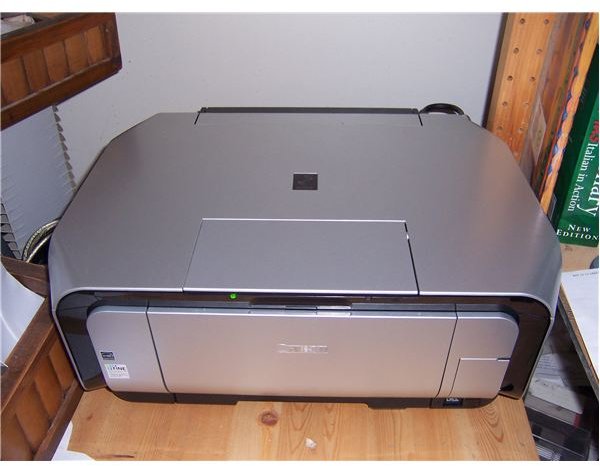
can be chosen based largely on what is on sale. Now that just about everyone with a PC also has access to at least a phone-embedded digital camera, though, the need for a photo printer is obvious.
While All-In-One photo printer combos are not rare, the functionality of one side usually suffers at the expense of the other. Quality AIO functions and picture printing were really only available to those with physical and budgetary space for two printers. The Canon Pixma MP610 is as good as a comparably priced photo printer at photo printing, and as good as a comparably priced AIO at those duties. The MP610 is in some sense a two for one bargain in terms of both cash and desk space.
AIO, AIO, and Off to Work it Goes (5 out of 5)
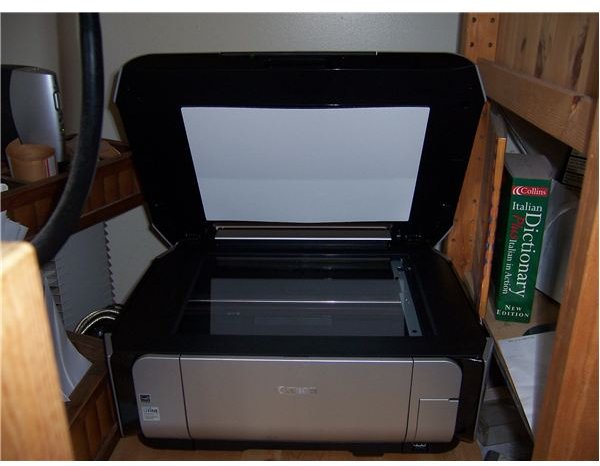
Printing is great. Obviously not the kind of quality and speed you’ll get from a monstrous laser printer, but quick by inkjet standards (a couple seconds a page for text, and only a bit more for small or medium images in there, full page images are still relatively quick, around 10-16 seconds), and perfectly acceptable for professional documents like contracts and resumes. With appropriate paper; invitations, cards, menus, sales materials and so on can be prepared to standards almost as high as a good printing shop’s, and far higher than a bad one’s. Cannon actually has an exhaustive supply of templates and instructions for a variety of printing and craft projects at their Creative Park website.
The scanner is also superlative. Leather tooling, and other decorative crafts, often rely on hand tracing certain elements of a photo onto translucent paper to use as a pattern. Scanning pictures and patterns allows changing scale, reflections, overlaying different elements like text, and almost endless possibilities that would be at least time consuming if not impossible to perform by hand. This requires that the scanner can reproduce details well though, not only from photographs, but the traced patterns. And scanners seem to hate that translucent paper, particularly since one uses pencil to avoid reworking.
The MP610 delivers not only detailed scans of detailed pictures, but does a reasonably good job of picking up the pencil on translucent paper mess described above. Reasonably good may not sound great, but other AIOs I’ve used required that I go over the pencil with a black pen to have the scanner pick up anything at all. And the lamp warms up very quickly.
Photo Printing (5 out of 5)
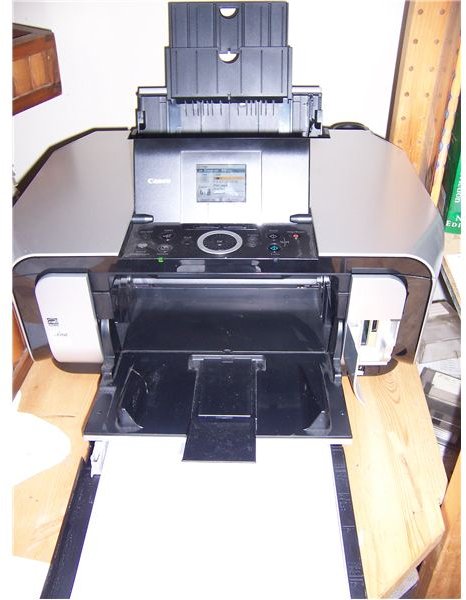
Like in normal printing, you get what you pay for, and more expensive, specialized, and complicated equipment can do a better job. But the MP610 is as good as the drug store (thought not a high-end photo lab), and you didn’t have to get out of your bathrobe. Unless you have a pretty nice camera and very high standards, or plan on printing an album or two a week, you should be good to go with the 610.
Obviously, photo printing uses special paper. By including two paper sources, a feature usually only found on far more expensive printers, Canon has done you a big favor. You can keep your day to day paper in the bottom tray and use the rear tray for special jobs. Anyone who has had to find somewhere to put down a bunch of paper while they stick in another kind will immediately appreciate this.
Why Boot Up Your Computer? (4 out of 5)
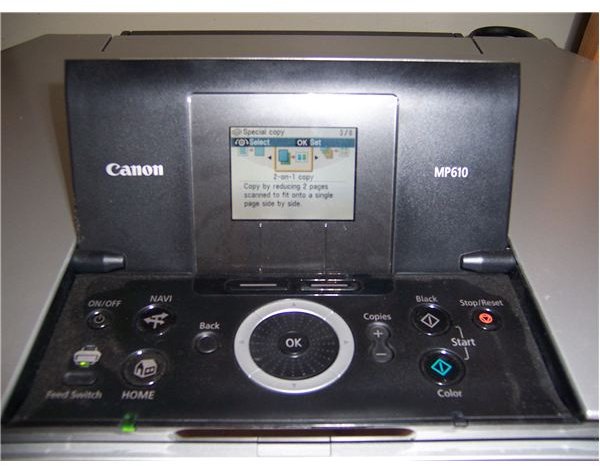
While the concept of a stand alone printer that lets you browse and print pictures without a computer is nothing new, and is included with the MP610 via an LCD screen and control wheel surrounded by buttons, Canon has the screen and controls perform double duty. Instead of just including photo printing and basic scanning and copying functions, there are an impressive number of things you can do without firing up your computer.
Instead of scanning, then using software to crop, rotate and blow up an image included in a page of text, before sending it back to the printer, the 610 lets you perform all of these tasks as part of making one photocopy. Plus you can preview what you are working on in the little screen. There is enough functionality in the printer that I often bypass using software tools, even if my PC is on, for things like cropping.
Canon Pixma MP 610 Software
Canon Pixma MP 610 Software (1 out of 5)
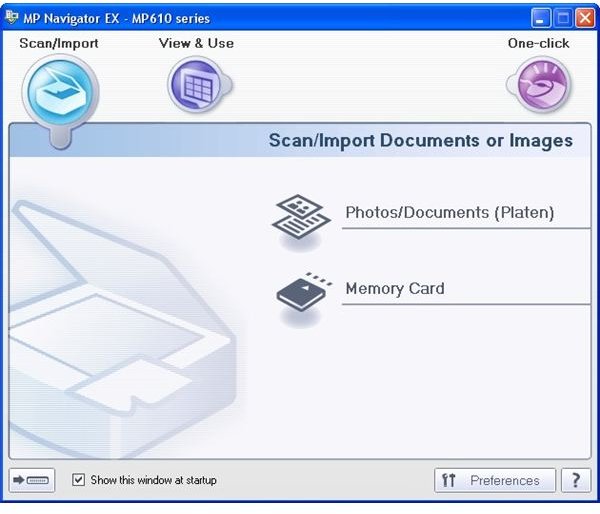
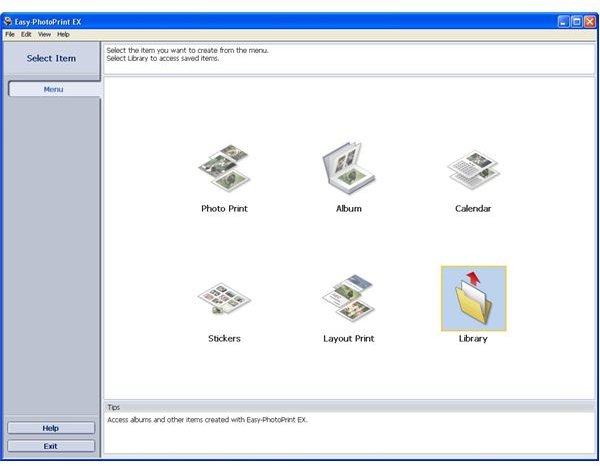
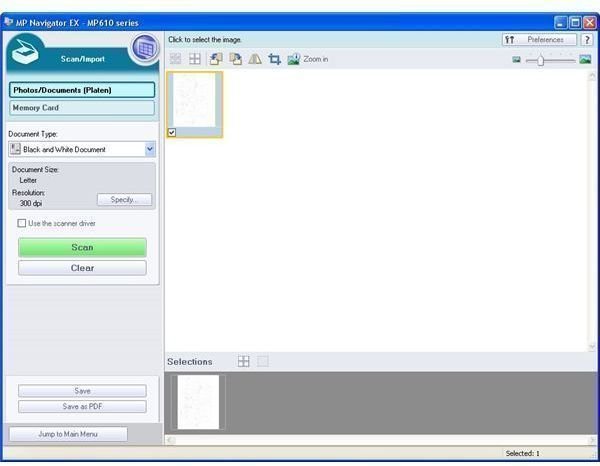
In addition to the hardwired functionality of the MP610, Canon’s MP Navigator and Easy-PhotoPrint (screen shots above left and center respectively) software opens up further possibilities. The Navigator lets you scan, view, crop, and save documents and images as .pdf or .jpg (picture above left). You can save several scans to one file, each scan being one page. The UI is pretty solid, my biggest complaint is having to use the preferences to set a default folder to where the scans you want to keep get saved, instead of just having the target default to whatever you last used.
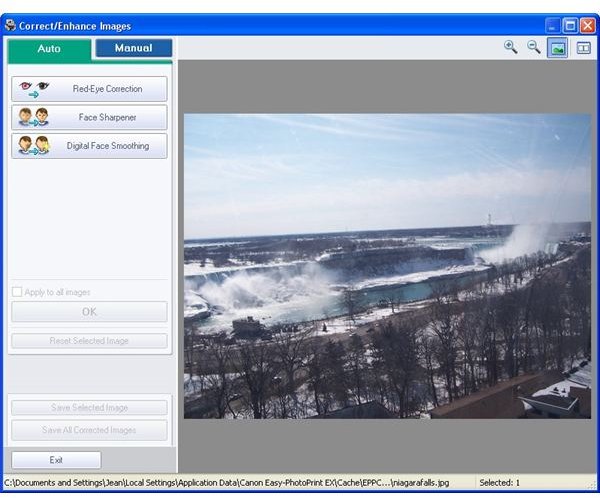
The Easy PhotoPrint is indeed quite easy to use. And, while not going to satisfy people used to working with layers in sophisticated photo editing suites, it does the basics well and a few extras just fine (picture at right).
People who don’t have the cash or inclination to get into serious photo editing will appreciate the quick and easy clean-up tools. The software does a pretty good job of common tasks like red-eye removal, blemish removal, fixing color balance and so on.
Update Jan 2011: Cannon’s MP Navigator software has had a disastrous time of moving to Windows 7 and two issues will regularly hamper any member of the Canon Pixma family from using its scanning function. There are fixes, but most Canon support agents aren’t aware of them.
- You might need to use the Control Panel -> Appearance and Personalization -> Folder Options-> Show Hidden Files and Folders option, then go look in C:\Users\
\App Data\Roaming\Microsoft\Windows\Network Shortcuts for a file called My Web Sites on MSN. For some reason, the MP Navigator software won’t work if this file is anywhere on your computer. You have to delete it, and dump it from the recycling box, to get your scanner back. - If there is a problem with the software and you need to unistall it, support will tell you that the printer must be off while you do this. What Canon support doesn’t know is that the cable connencting the printer and the computer need to be unplugged as well while you do this. Then reinstall the driver, then MP Navigator, then reconnect the printer and turn it on.
Many thanks to the posters on this thread for these solutions https://social.answers.microsoft.com/Forums/en-US/w7hardware/thread/1e2e2075-897f-4066-8ae7-5c9c487bb198 … we certainly didn’t get them from Canon.
Canon Pixma MP 610 Conclusion (2 out of 5)
Canon had a real winner for someone with home office printing needs that also wanted to print pictures. Not only is the quality of the printing and scanning excellent, but the printer’s UI and software were easy to use and surprisingly powerful, so you were actually be able to make use of that quality.
At a $179.99 US MSRP, the Canon Pixma MP 610 is bordering on territory it can’t compete in, although the dual purpose AIO and photo printer abilities add a lot of value. However, it can be found for far less through many retailers.
Update Jan 2011: Until the Windows 7 compatiblity issues are resolved (see Software section above) I would avoid Canon’s Pixma line, or anything using MP Navigator software, entirely. I would pick on their customer support as well, but it is essentially what you can expect from consumer electronics companies in general.
